Miner Boxes

An ASIC miner is a few kilowatts of heat packed into a box the size of a shoebox stack. As long as cool air flows through it, it runs flat out for years. When that airflow fails, the chips heat up, the miner slows down to protect itself, and eventually it shuts down. Overheating is the most common reason a home miner loses hashrate, and almost always it has a simple cause.
What overheating looks like
Miners protect themselves, so overheating rarely ends in smoke. It ends in lost money. Watch for these signs in your miner's dashboard and your pool:
- Fans at or near full speed all the time. The fans are the miner's first response to heat. If they never slow down, the miner is already working hard to stay cool, and it's also much louder.
- Rising chip or board temperatures. The miner's status page shows them. Note what's normal for your miner in a cool room, then watch for a trend upwards.
- Hashrate below spec. Many miners reduce frequency when they get hot. Your pool shows a lower average hashrate even though the miner looks "online".
- Hashboards dropping out. One board missing from the status page, or a higher rejected-share rate, often points to heat.
- Restarts and temperature errors. A miner that restarts itself, or logs temperature protection errors, has reached its limit. Check your model's manual for the exact limits.
The six common causes
1. The intake air is too warm
A miner can only be as cool as the air it breathes. Most air-cooled ASIC spec sheets list an operating range of roughly 0–40 °C ambient; check yours. A miner in a closed, unventilated room heats that room by kilowatts until it reaches its limit. A loft in summer gets there on its own.
2. Hot air loops back into the intake
This is the most common cause we see. The miner's exhaust hits a wall, spreads round the sides, and gets pulled back into the front fans. The miner is then breathing its own exhaust, which is far hotter than the room. Miners pushed into corners, shelves and DIY cabinets suffer from this most.
3. The enclosure doesn't separate hot from cold
Homemade soundproof boxes are a classic way to cook a miner. A box lined with foam stops some noise, but if the hot exhaust and the cool intake share the same space inside, the temperature inside the box rises until the miner throttles. Soundproofing and airflow have to be designed together.
4. Dust
Miners move huge volumes of air, and all the dust in it. Dust on heatsinks acts as insulation, and dust in the fans reduces airflow. A miner that ran fine last year and runs hot now often just needs cleaning.
5. Worn or failing fans
Fans are the parts that wear out. A fan running slower than the others, or rattling, moves less air. The dashboard usually shows each fan's speed: if one stands out, replace it.
6. Overclocking and firmware
Custom firmware and overclocked profiles push more power through the chips, which means more heat. If you overclock, the cooling has to keep up. In a warm room, an underclock or efficiency profile is often the better choice.
How to fix it
- Give the miner the coolest air you have. Basements, garages and north-facing rooms beat lofts and small closets. Keep the intake low, where the room's air is coolest.
- Separate the exhaust. Make sure hot air can't come back round. Point the exhaust away from the intake, duct it out of the room, or use an enclosure with separate cold and hot zones.
- Clean it regularly. Every few months, power it down and blow the dust out of the heatsinks and fans with compressed air, holding the fans still while you do.
- Replace tired fans. Matching replacement fans are cheap compared with a lost month of hashrate.
- Get rid of the room's heat. In a small room, the miner heats the room, which heats the miner. Duct the exhaust out, or ventilate the room. Our guide to miner heat reuse shows how to turn that heat into something useful.
- Match the profile to the season. Run full power in winter, an efficiency profile in a hot summer.
"Won't my miner overheat in a soundproof box?"
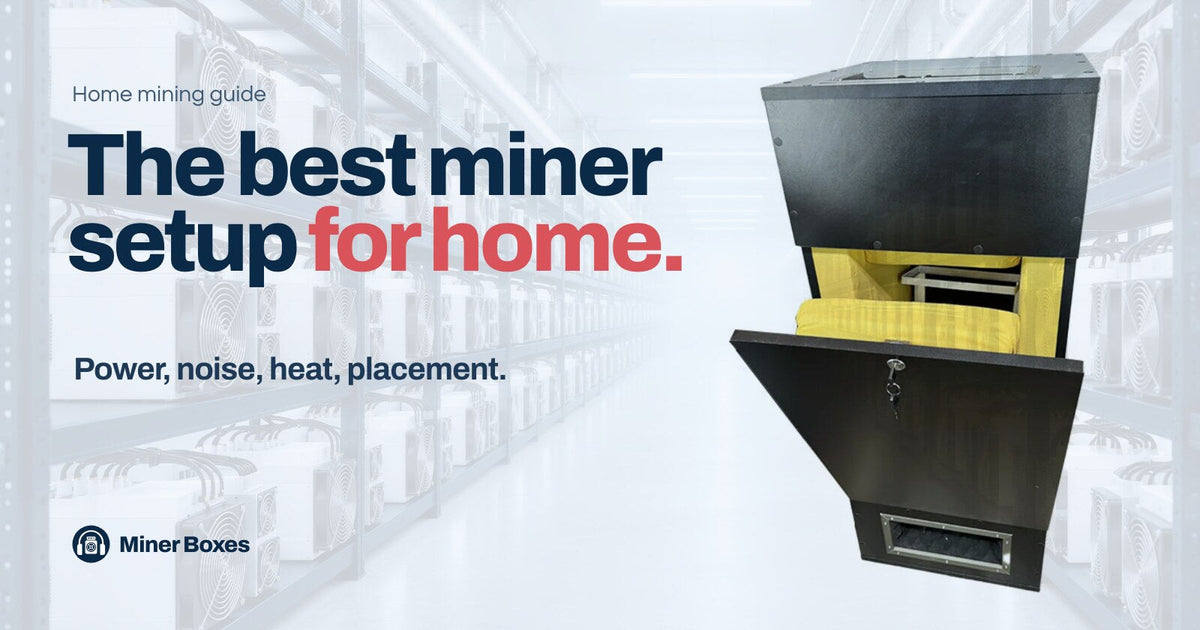
It's the first thing everyone asks us, and it's the right question. A miner shut in a box sounds like a recipe for overheating, and in a badly designed box it is. Here is how the Miner Box handles it:
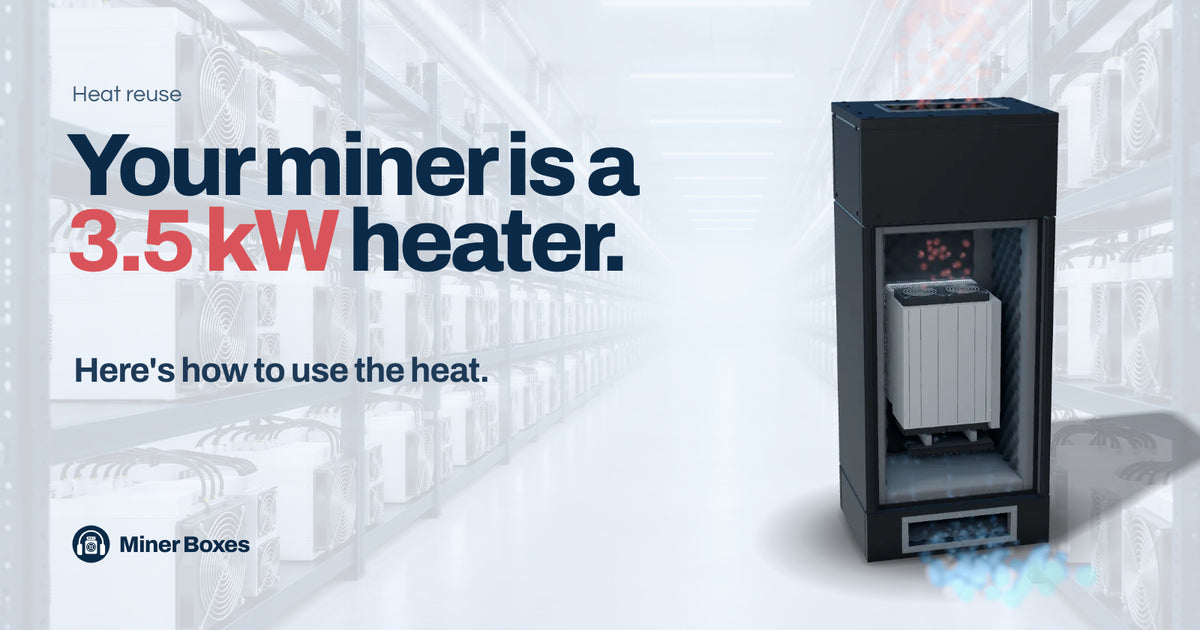
- Cool air enters at floor level. The intake grille sits at the bottom front, where the room's air is coolest. Its size and shape give the miner a smooth, steady stream with no dead spots, so the fans don't spin up to compensate.
- A sealed cold zone feeds the fans directly. Nothing warm mixes into the air the miner breathes.
- Heat rises out of the top. The hot side faces up, so warm air leaves on its own and is never drawn back in. There's no pocket where it can get trapped.
- Sized for the power. One box handles up to about 4 kW. For miners between 4 and 5 kW, there's the double box.
The result is a miner that holds a stable temperature, at full hashrate, while the box takes it from about 96 dB down to about 35 dB. The box isn't a substitute for a sensible room, though: give it cool air and somewhere for the heat to go, and it does the rest.
Quick checklist
- Room temperature well inside your miner's operating range
- Hot exhaust can't loop back into the intake
- Heatsinks and fans clean
- All fans spinning at similar speeds
- Temperatures and hashrate checked weekly, not only when something breaks
- An enclosure that separates cold and hot air, if you use one
Running a specific miner and not sure about the temperatures you see? Send us the model and the numbers and we'll take a look. Or check which box fits your miner.