Miner Boxes
Mining at home is possible, and many people do it well. The ones who succeed get four things right before the miner is switched on: power, noise, heat and placement. Get those right and the miner runs quietly for years. Get them wrong and you get tripped breakers, a 96 dB room and a throttling miner. This guide walks through each, in the order you should think about them.
1. Choose the miner
Three numbers matter more than anything on the box:
- Efficiency (J/TH or similar). How much energy each unit of hashrate costs. At home, electricity is your biggest cost, so efficiency decides profitability more than raw hashrate.
- Power draw (W). Decides whether your wiring can take it, how much heat you'll have to deal with, and which enclosure it needs. Most current Bitcoin miners draw 3–3.6 kW.
- Size. Matters if it goes into an enclosure. We keep a list of 260 ASIC models with their sizes and power.
Then check the numbers with your own electricity price: power in kW × 24 × your price per kWh is what the miner costs you per day. Compare that with what it earns.
2. Power and wiring
This is the part not to improvise. A 3.5 kW miner on 230 V draws about 15 A, continuously, 24 hours a day. That is more than most household circuits are built for as a constant load.
- A dedicated circuit. One miner per circuit, with nothing else on it. Have an electrician check the breaker, the cable cross-section and the socket for a continuous load of this size.
- The right voltage. Many ASICs need 200–240 V. In Europe that's standard; elsewhere check before you buy.
- Proper cords. Use the power cords rated for the miner (often C19/C20 connectors). Never run a miner on a coiled extension reel or a cheap power strip: they overheat under continuous load.
- Check the plug after a day. A warm plug or socket is a warning sign. Switch off and have it checked.
3. Where to put it
The best place is cool, ventilated and far enough from where people sleep. Common choices, best first:
- Basement or utility room: cool all year, and noise doesn't matter as much. Check for humidity.
- Garage: plenty of air, but dusty, and cold in winter (miners are fine with cold, condensation is the risk).
- Home office, beside your desk: only works with serious noise reduction, but then it doubles as your office heater.
- Loft: usually the worst choice. Hot in summer, hard to ventilate.
Wherever it goes, it needs cool air in and a way for the heat to get out. Our guide to miner overheating covers why that matters.
4. Noise
We measured a bare ASIC at 96 dB. That is louder than a vacuum cleaner, and it doesn't stop. Noise is the reason most home mining setups end up in a garage or get switched off.
Two kinds of noise come out of a miner: the high whistle of the fans, and a low hum. Foam deals with the whistle. The hum, below about 1500 Hz, needs mass to stop it. That's why simple DIY boxes and acoustic foam often disappoint: the miner sounds different, but the hum still goes through walls.
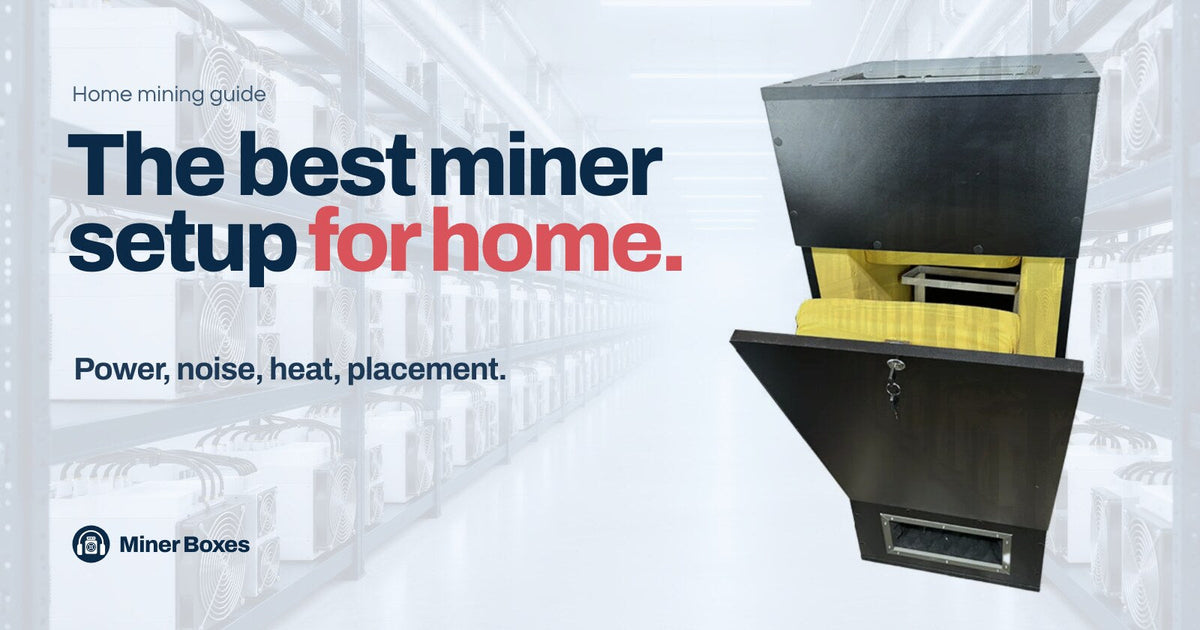
A Miner Box weighs around 50 kg for that reason. In our measurements, the same miner drops from 96 dB bare to about 72 dB in the box with the front cover open, and to about 35 dB sealed, quieter than a library. At that level it can stand in a living space. See how it works.
5. Heat
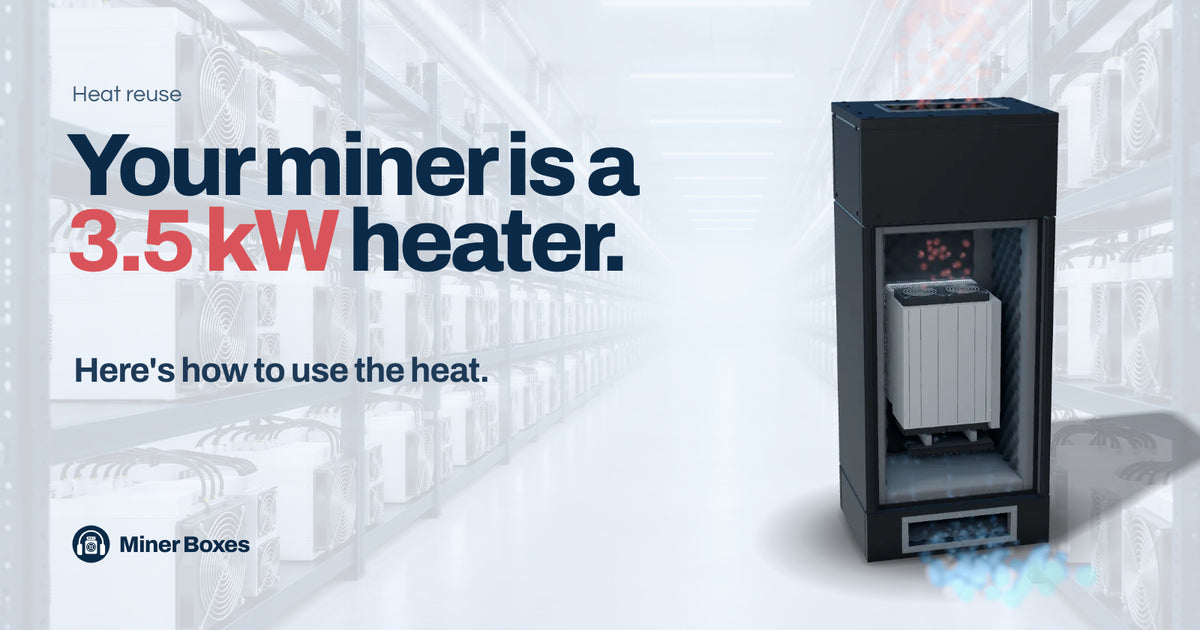
A miner turns practically all its power into heat: a 3.5 kW miner is a 3.5 kW heater, enough to warm about 50 m² in a Central-European winter. Decide before you start where that heat goes:
- Winter: into the room, or ducted into a colder one. The heat replaces heating you'd otherwise pay for.
- Summer: outside, through a window panel or wall vent.
The details are in our guide to miner heat reuse.
6. Network
- Use a cable. ASICs connect over Ethernet. A cable is also more reliable than any Wi-Fi bridge.
- Give it a fixed IP (a DHCP reservation in your router), so you always find its dashboard at the same address.
- Change the default password of the miner's web interface on day one, and don't expose it to the internet.
7. Monitoring
Most problems show up in the numbers days before they cost you anything:
- Turn on your pool's alerts for when the hashrate drops or the miner goes offline.
- Check chip temperatures and fan speeds weekly. Fans at full speed all the time mean the miner is struggling for air.
- Clean the dust out every few months.
8. Safety
- A smoke detector in the room the miner runs in.
- Nothing flammable against the exhaust.
- Children and pets kept away from fans and cables. A lockable enclosure helps: every Miner Box has a lockable door.
- Check your home insurance covers equipment running continuously at this power.
The setup checklist
| Area | Ready when… |
|---|---|
| Miner | You've done the maths with your own electricity price |
| Power | A dedicated circuit, checked by an electrician, proper cords, no extension reels |
| Place | Cool air in, heat has somewhere to go |
| Noise | Quiet enough for the room it's in (a sealed Miner Box: about 35 dB) |
| Heat | A winter plan (use it) and a summer plan (vent it) |
| Network | Ethernet, fixed IP, default password changed |
| Monitoring | Pool alerts on, weekly check of temps and fans |
| Safety | Smoke detector, nothing flammable near the exhaust, insurance checked |
Not sure which box size your miner needs? Search the list of compatible miners or ask us. Every Miner Box is made to order in Prague in about a week, with the mounting kit for your miner.